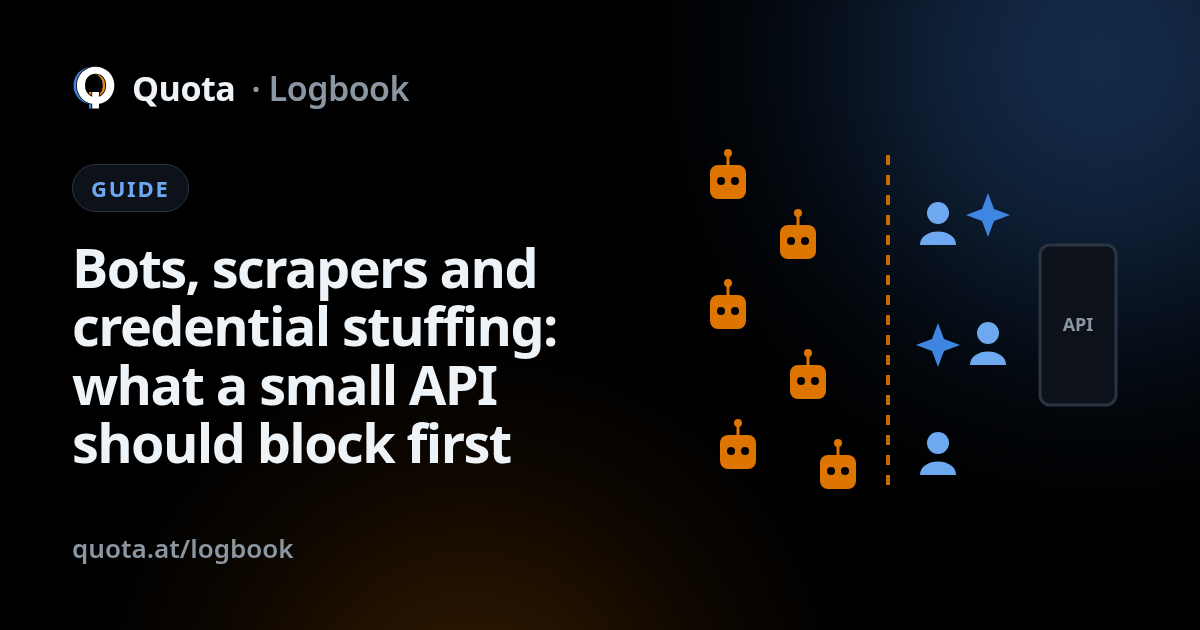
A small API does not get famous attackers. It gets automated traffic: scripts that run against every address they can find, looking for anything that answers. The good news is that this traffic is predictable. A handful of kinds account for most of it, they leave recognisable traces, and a few defences deal with the bulk. This guide covers what shows up first, how to spot it from the outside, and what is worth blocking before you have anyone whose job is security.
What actually shows up
- Vulnerability scanners. Within hours of a new API going live, something
will ask it for
/.env,/wp-admin,/.git/configand a few thousand other paths that exist on someone else's server. Most scanners are not looking for you; they are looking for anyone who left a door open. - Scrapers. If your API returns anything worth collecting, such as prices, listings or profiles, someone will page through all of it. Some scrapers are polite and say who they are; many pretend to be a browser.
- Credential stuffing. Lists of email and password pairs leaked from other services, tried one after another against your login endpoint. It works because people reuse passwords, and it is cheap because the lists are free.
- Enumeration. Walking through IDs (
/orders/1001,/orders/1002, …) or probing signup and password-reset forms to learn which emails have accounts. - Form and signup spam. Fake accounts, fake contact messages, and endpoints that send email or SMS being used to send them to someone else, at your expense.
How to recognise it from the outside
You do not need to read code to spot most of this. The signals are in the requests themselves:
- Paths you do not have. A steady stream of requests to routes that have never existed on your API is a scanner. A real client only calls what your documentation describes.
- Failures concentrated on one endpoint. Many failed logins from a spread of addresses, or many 404s on sequential IDs, is stuffing or enumeration.
- Browsers that do not behave like browsers. A real Chrome or Safari sends a consistent set of headers for its version. Scripts dressed up as browsers often miss some, send ones that do not fit together, or claim to be a version that is years old.
- Crawlers that lie about who they are. Big search engines publish the address ranges their crawlers use. A request that says it is Googlebot but comes from somewhere else is not Googlebot.
- Traffic from places that never send you customers. Anonymising networks and address ranges listed on public threat lists are not always malicious, but on a small API they rarely belong to a paying user.
What to block first
Without a security team, the order matters. These give the most for the least effort, roughly in this order:
- 1 Ceiling on login and on anything that sends messages
- 2 Known scanner paths
- 3 A per-client limit on everything else
- 4 Public threat lists
- 5 Fake browsers and fake crawlers
- Your API
- 1. A ceiling on login and on anything that sends messages. Give authentication, password reset, signup and any endpoint that sends email or SMS a low limit of their own. This single step takes most of the value out of credential stuffing and message spam.
- 2. Known scanner paths. Requests for paths that belong to other software can be refused before they reach your server. They were never going to be real traffic, and blocking them keeps your logs readable.
- 3. A per-client limit on everything else. A generous one is fine. Its job is not to shape normal traffic but to stop the one script that pages through your whole catalogue without pausing.
- 4. Public threat lists. Addresses widely reported for abuse, and exit points of anonymising networks if your users have no reason to use them, can be turned away at the door.
- 5. Fake browsers and fake crawlers. Once the basics are in place, treat traffic that pretends to be something it is not with suspicion. Real users and honest bots are not affected.
Two habits help as much as any rule: never return different errors for "no such user" and "wrong password", and do not use sequential IDs where the order reveals how many orders or customers you have.
What it costs not to
None of this traffic is free. Scanners and scrapers use your server's capacity and show up on your hosting bill. Credential stuffing that succeeds even once means a customer's account in someone else's hands, and the support, the apology and possibly the legal notification that follow. Spam through your signup or contact forms can get your email domain flagged, which then hurts the messages you actually need to deliver. And noisy logs hide the one request that mattered.
The difficult part is rarely knowing what to block. It is finding the time to set it up and keep it current while also building the product.
Where Quota fits
Quota sits in front of your API and does this list for you. Every request is labelled as a person, a bot or an AI agent, crawlers are checked against their published address ranges, and scripts dressed up as browsers get noticed. Managed rules cover thousands of paths that scanners probe, and you can run them in monitor mode first to see what they would catch. You give login its own ceiling in the panel, switch on threat lists with one click, and the panel points out what is still open on each node.
See the product page for the full list, pricing for what each plan includes, and the docs to put your first node in front of your API.