Sooner or later someone points a flood of requests at your API. Sometimes it is a botnet, sometimes a vulnerability scanner working through every path it knows, sometimes a single misbehaving client stuck in a retry loop. From your backend's point of view they all look the same: more requests than it was built for, arriving faster than it can answer them.
This article walks through what happens when that traffic hits an API that sits behind Quota, from your side of the screen: what you are told, what you can see in the panel, what your users notice, and what is waiting for you when it is over. It is not a tour of how the edge works inside; it is what you get.
Why a proxy in front helps at all
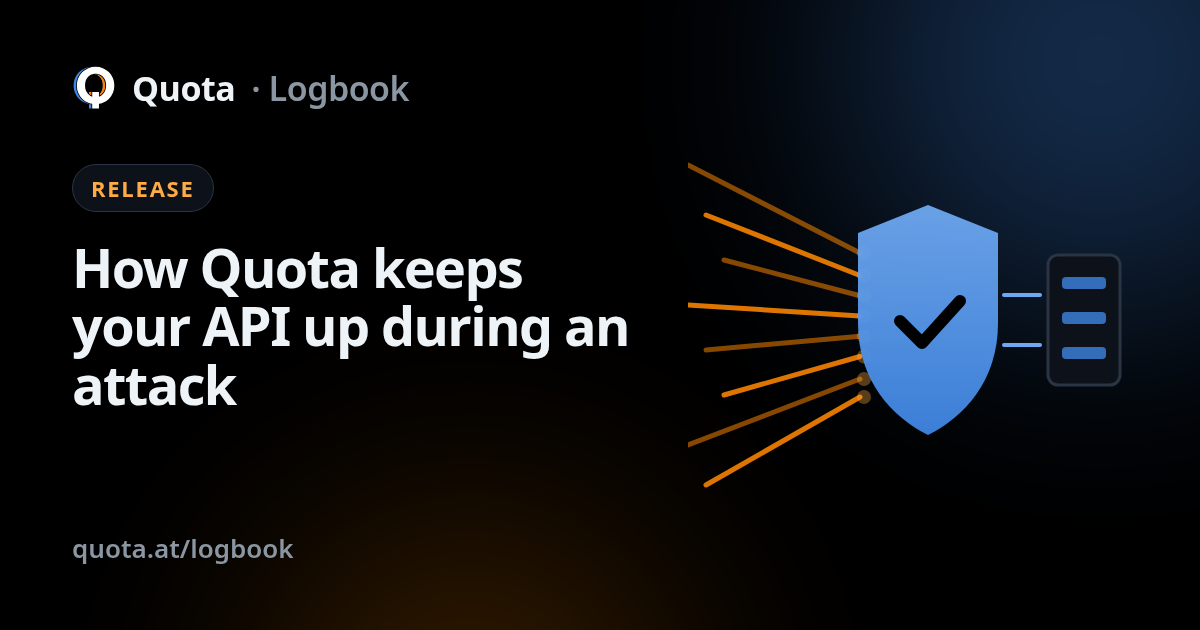
Your node is a proxy: every request to your API arrives at the edge first, and only what the edge lets through goes on to your backend. That position is the whole point. A request that is stopped at the edge never opens a connection to your server, never touches your database and never shows up on your hosting bill.
Defending inside the application is possible, but it has a problem during an attack: by the time your code decides to reject a request, the request has already cost you a connection, a worker and some CPU. Ten thousand cheap rejections are still ten thousand requests your server had to accept. Moving the decision in front of the backend means the backend only sees the traffic you actually want it to see.
The moment it starts
Every node keeps an eye on its own traffic and compares it with what is normal for that node. A shop API that serves a steady trickle and an analytics API that takes bursts all day have very different normals, so there is no single global number that decides what an attack is.
When the traffic stops looking like your traffic, and keeps not looking like it, the node switches into defense mode. Three kinds of signal lead there: a flood of requests well above your usual level, a scan sweeping through paths that your API does not have, and a single address taking over a share of the traffic that no real client would.
In defense mode the node does two things on its own:
- It blocks the addresses behind the attack. Those requests stop at the edge with an error and never reach you.
- It puts an emergency ceiling on everyone else. Real users keep getting answers, but no single client can grab more than its fair share while the episode lasts.
The point of the second step is that you do not need to know who the attacker is for the node to be safe. If the first guess misses some addresses, the ceiling still keeps them from overwhelming your backend.
What you are told
You do not have to be watching. When defense mode switches on you get an email saying that it started and why: which kind of signal triggered it and on which node. You can read it on your phone and decide whether it needs you at all; most of the time it does not.
If you do open the panel, the node shows that it is in defense, and the episode appears with what the edge is doing about it. With Realtime you can watch the requests arrive on a map and in a list, each one with what the edge decided for it, which is the quickest way to see who is knocking and what they are after.
What you can do
Usually nothing, and that is the design. But the controls are there when you know better than the edge does:
- Call the defense off. If the spike is your own launch, a marketing email or a batch job you forgot about, you can switch defense mode off from the panel.
- Block a visitor by hand. Spot an address in Realtime and block it for an hour, a day, a week or for good.
- Tighten a route. If the attack is aimed at one endpoint, such as login, give that route its own ceiling, or close it entirely so it never reaches your backend.
- Add a firewall rule. By path, address range or header, built in the visual editor with a preview before you apply it.
Your neighbours, and you as a neighbour
Quota runs many customers' nodes on shared infrastructure. That raises a fair question: if the node next to mine is under attack, do I pay for it?
No. When an attack puts a node into defense mode, that node is moved out of its neighbours' way. The other nodes keep serving as if nothing had happened, and the attacked node gets room of its own to absorb the traffic. Once the attack has been over for a while, it moves back. The same protection works the other way round: if the attacked node is yours, your traffic is not squeezed in alongside everyone else's while you deal with it.
When it is over
When the traffic goes back to normal and stays there, the node steps out of defense on its own. Nobody has to remember to switch it back.
Some time later a report of the whole episode lands in your inbox: when it started, what triggered it, what the edge did about it, and when it ended. It is the document you forward to whoever asks "what happened last night", and the panel keeps every episode so you can look back at them later.
- Signaltraffic stops looking like yours
- Defense onblock and ceiling
- Emailwhat started and why
- Quiet againtraffic back to normal
- Steps backon its own
- Reportin your inbox
What your users notice
Ideally, nothing. The addresses behind the attack get errors; everyone else keeps getting
answers from your API. The emergency ceiling is meant to stop a client from taking more than
its share, not to stop ordinary use; a client that does hit it it gets a 429 with a Retry-After header that tells
it when to try again, instead of a timeout.
Your backend sees roughly the traffic of an ordinary day. That is the real measure of whether the protection worked: not how many requests were blocked, but whether your server had to notice.
Getting started
There is nothing to switch on for defense mode. Point your API at a node, and the next flood meets the edge instead of your server. The docs cover the setup, and pricing lists what each plan includes.